

Ground replies in what your app actually does
Star ratings and free-text reviews rarely explain themselves — “won’t sync,” “keeps crashing on checkout,” “where did the export button go.” Generic AI replies to that kind of review sound like a form letter. AppReply’s knowledge base lets you upload support docs, FAQs, and product guides (or point it at a URL that gets periodically re-crawled) so the AI grounds every generated reply in what your app actually does, not a guess.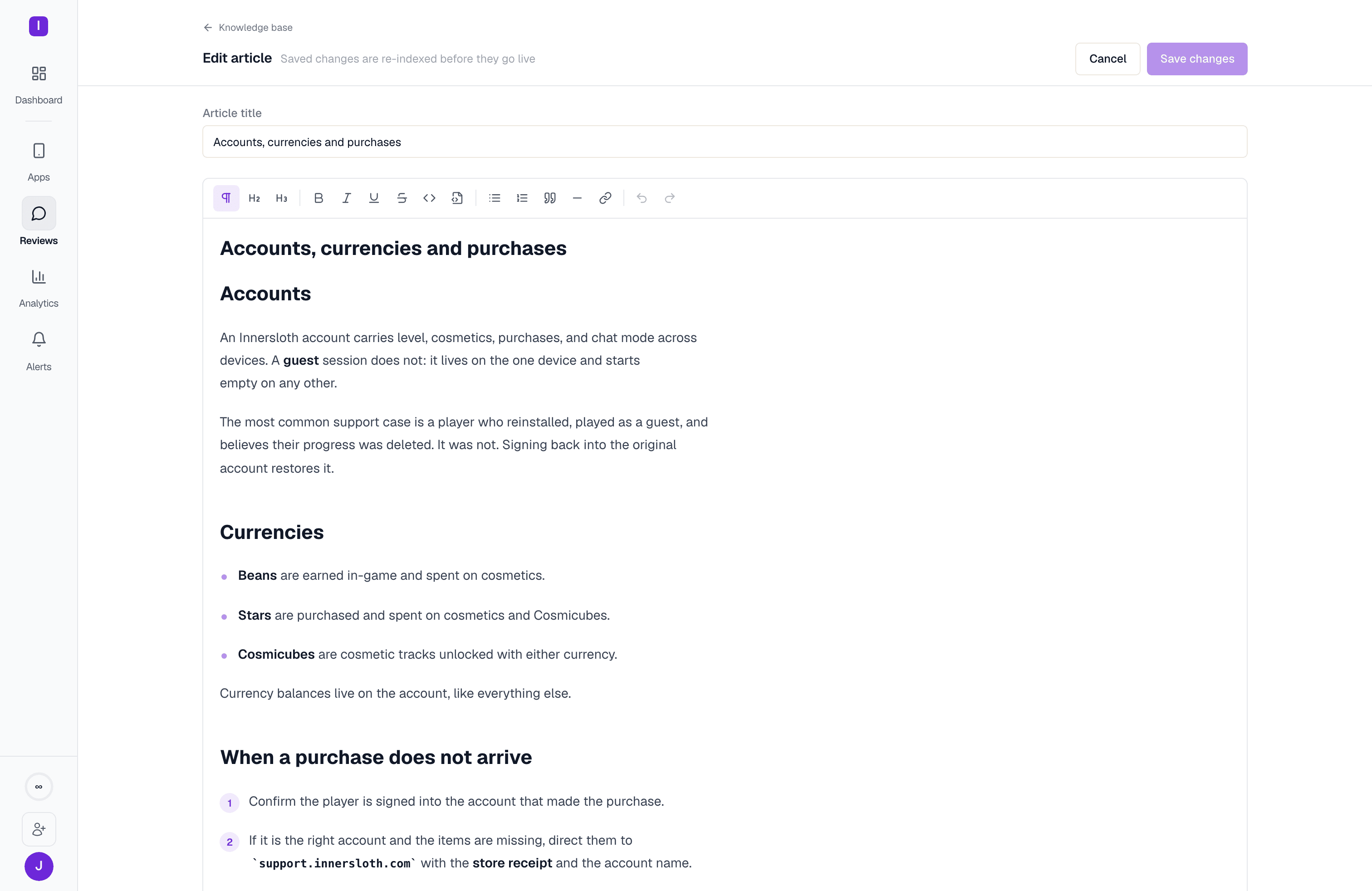
Set up your knowledge base
Upload documents, add crawl sources, and configure your voice profile
Route the reviews that need a human
Not every 1-star review is something AI should resolve on its own — a billing dispute or a bug report often needs a real support conversation. AppReply connects to Zendesk and Intercom so a review can become a support ticket (or Intercom conversation) without leaving the dashboard.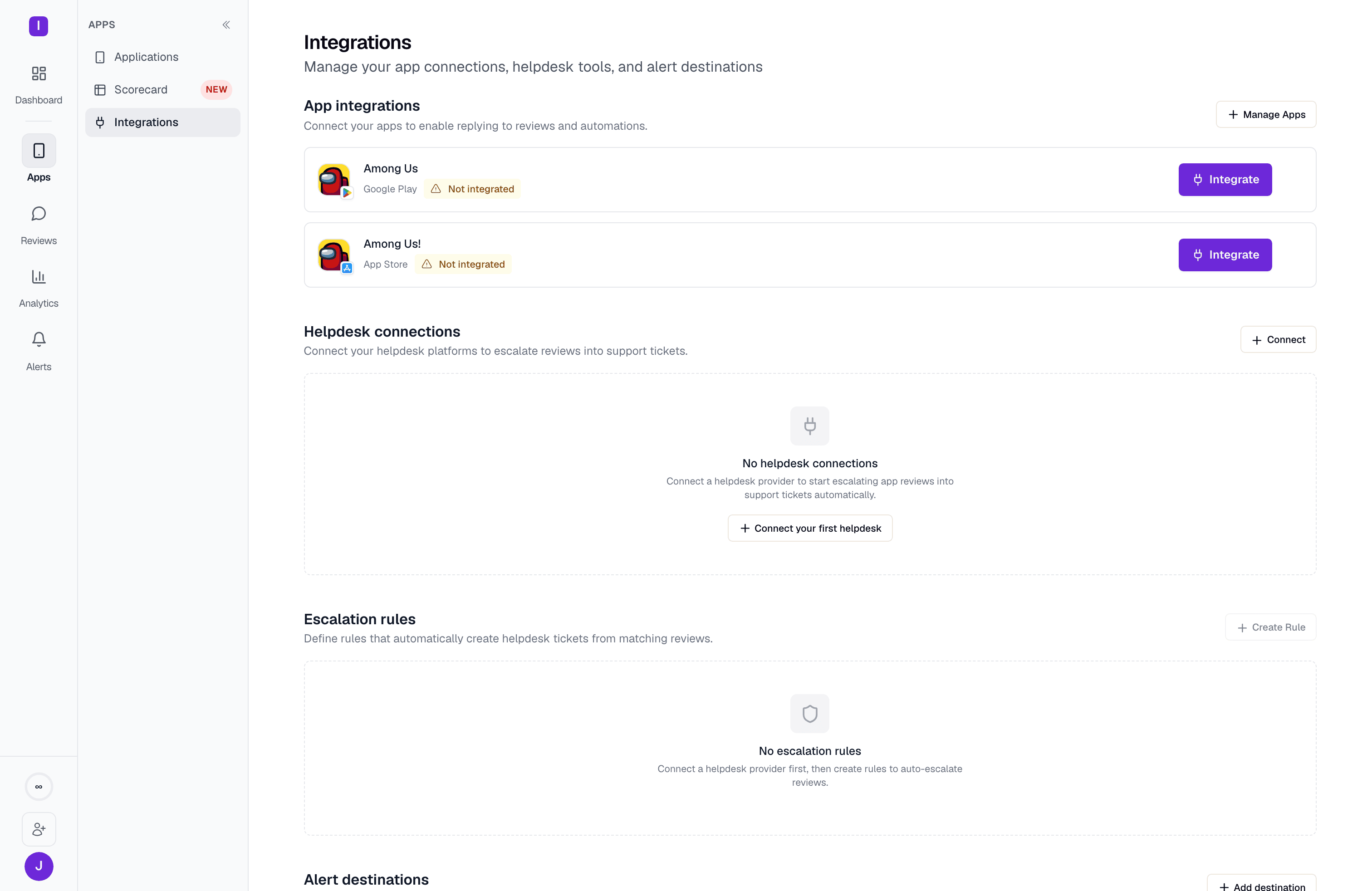
Connect a helpdesk
Set up Zendesk or Intercom and configure escalation rules
Keep replies accurate as your team scales
As more people reply — support agents, community managers, whoever’s on call — it gets harder to know whether every reply still matches your brand voice and actually answers the question. Reply quality grades every published reply against a scorecard you define (accuracy, tone, no invented facts, required sign-off text, and more) and surfaces the ones that failed a check in a Flagged queue you can triage in a few minutes a day.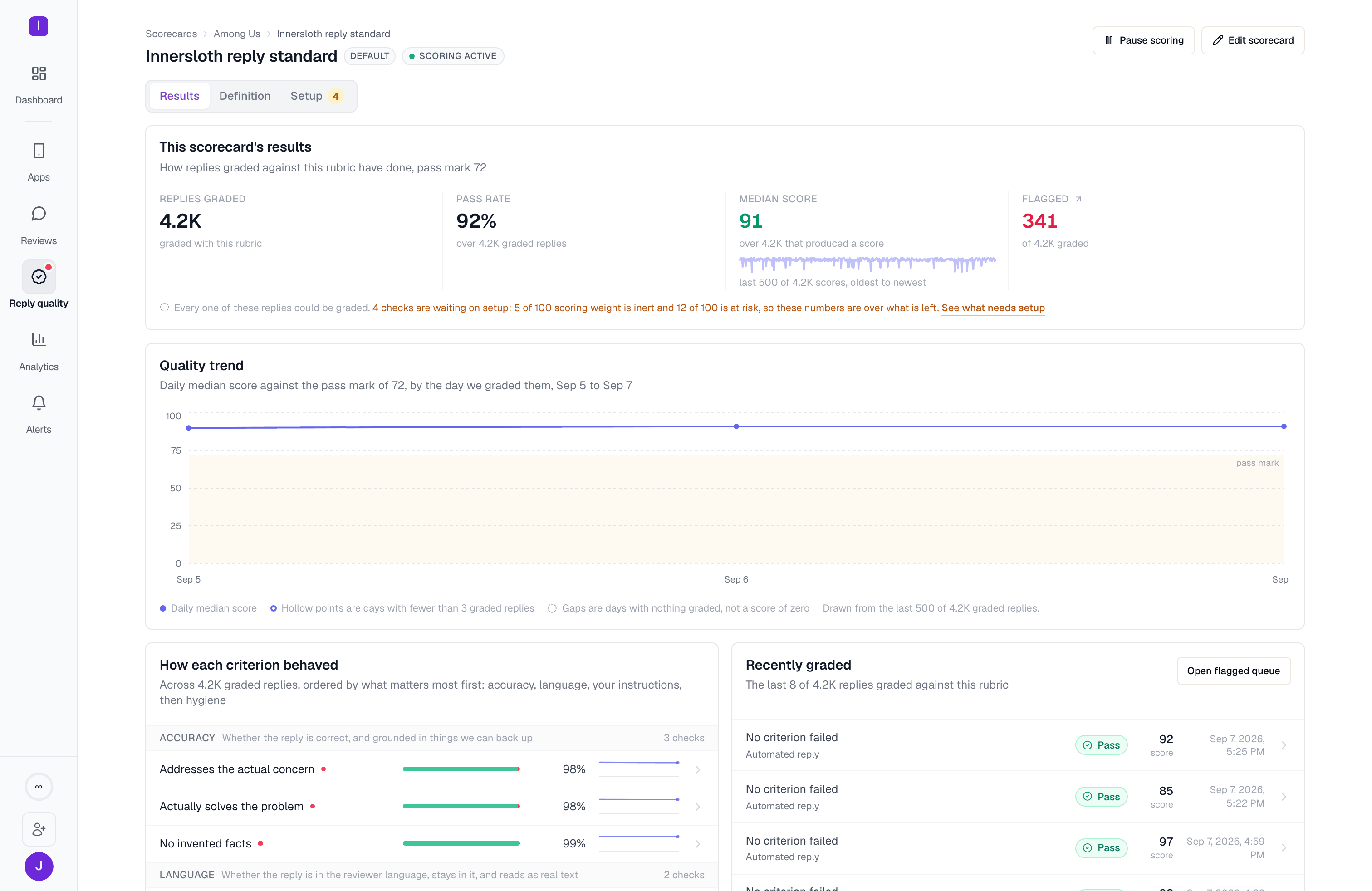
Localize without losing your voice
App teams with a global install base deal with reviews in dozens of languages. AppReply auto-detects the review’s language, can auto-translate it for you to read, and generates or rephrases replies in the reviewer’s own language — with per-language overrides for your AI-disclosure text where stores require one (the disclosure phrase itself is capped at 150 characters, short enough to leave room for a full reply within Google Play’s 350-character limit).See translation options
Configure auto-translation and per-language reply behavior
Where to go next
Quickstart
Connect your first app and send your first reply
Automations
Build rules that reply automatically based on rating, keywords, and language
Applications
Connect apps across Google Play, App Store, Samsung, Huawei, and RuStore
User roles
Bring your support and product teams in with the right permissions