

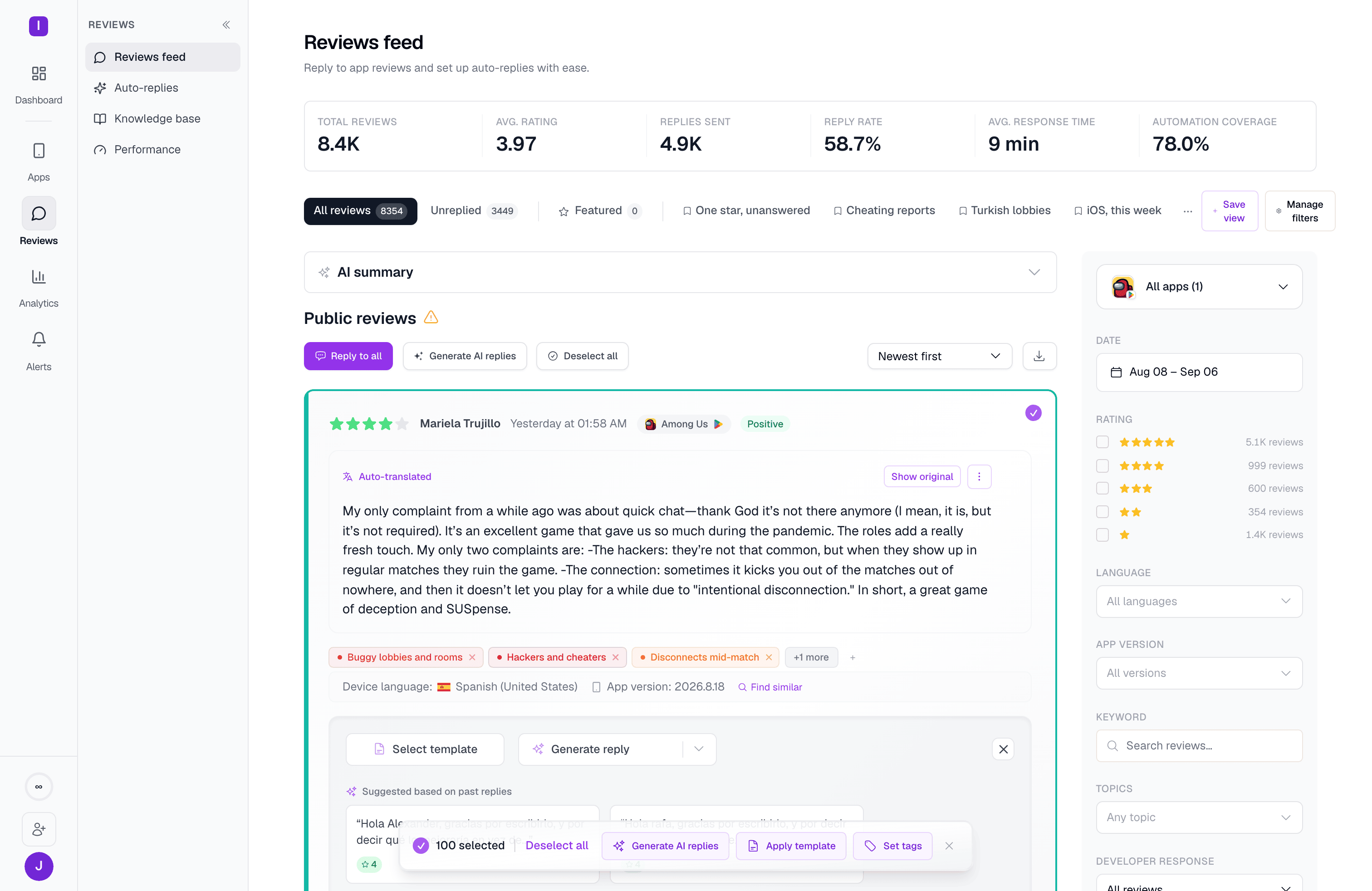
Selecting reviews
Check individual reviews, or use Select all / Deselect all in the action bar to select every review currently loaded in the feed. The bar shows how many reviews are selected and stays pinned to the bottom of the screen as you scroll.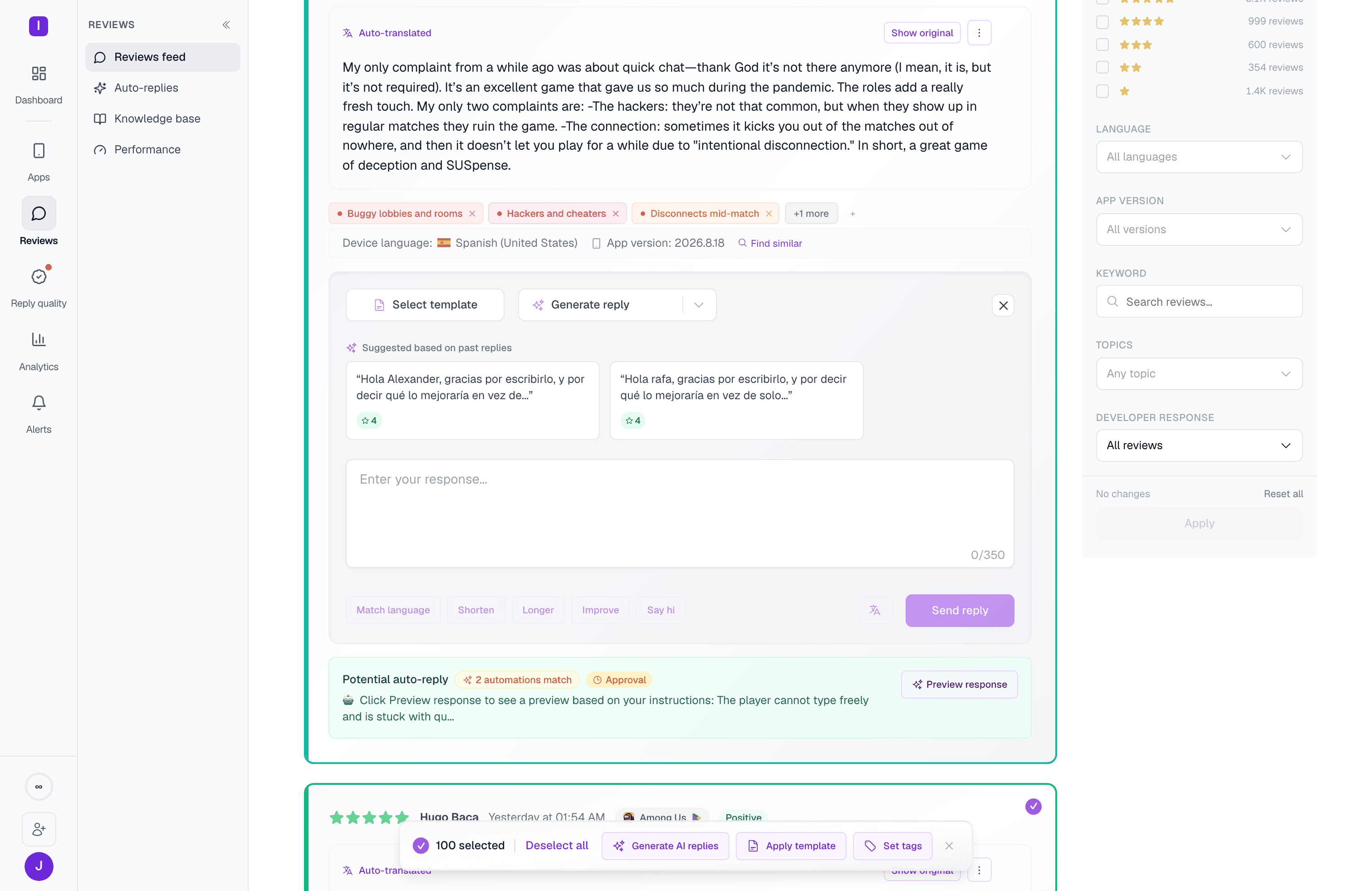
Generate AI replies
Generates an AI-drafted reply for every selected review at once, using the same review-aware generation MAX uses for a single reply — each draft considers that review’s own content, rating, and language, and past successful responses to similar reviews inform the tone.Bulk AI reply generation requires an active paid subscription (any paid plan unlocks it, not a specific tier). Reviews you haven’t replied to yet are the best fit — generating replies is fastest when your apps are properly integrated with their app stores.
Apply template
Applies a saved response template to every selected review. You pick a folder, and AppReply assigns a random template from that folder to each review — rather than the same template repeated on every row — so a burst of similar reviews doesn’t get an identical, obviously copy-pasted reply. Good for:- Common issues with an established, pre-written answer
- Thanking a batch of positive reviewers consistently
- Directing users to a support channel
- Acknowledging feature requests at volume
Set tags
Applies one or more topics/tags to every selected review in a single action — useful for retroactively tagging a batch of reviews that all relate to the same issue, or for cleaning up untagged reviews after the fact. This needs at least one topic to already be defined for your organization first. Once you’ve generated or applied replies in bulk, review each draft before sending — bulk generation drafts responses, it doesn’t publish them automatically.Review feed
Filter and manage your reviews
Manual AI replies
See how AI generation works for a single reply