

Multi-factor authentication
You can add multi-factor authentication (MFA) to your own login from Settings > Profile > Authentication. Setup works by scanning a QR code with an authenticator app and confirming the 6-digit code it generates. Any standard TOTP authenticator app works, since the QR code follows the same protocol they all support. You can enroll more than one factor (up to 10), and remove a factor from the same screen once it’s set up.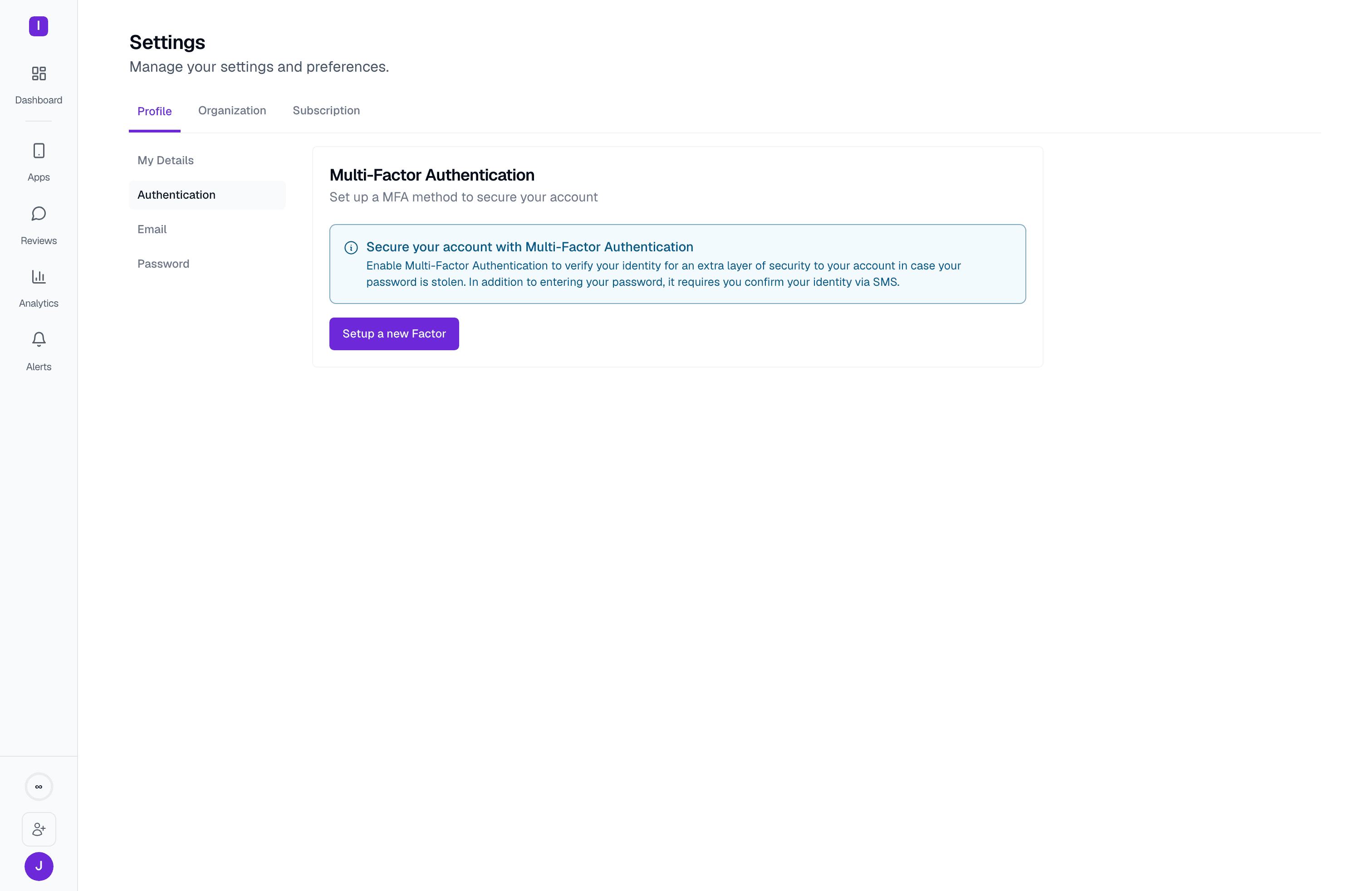
Account credentials
Your login itself is managed from three places under Settings > Profile: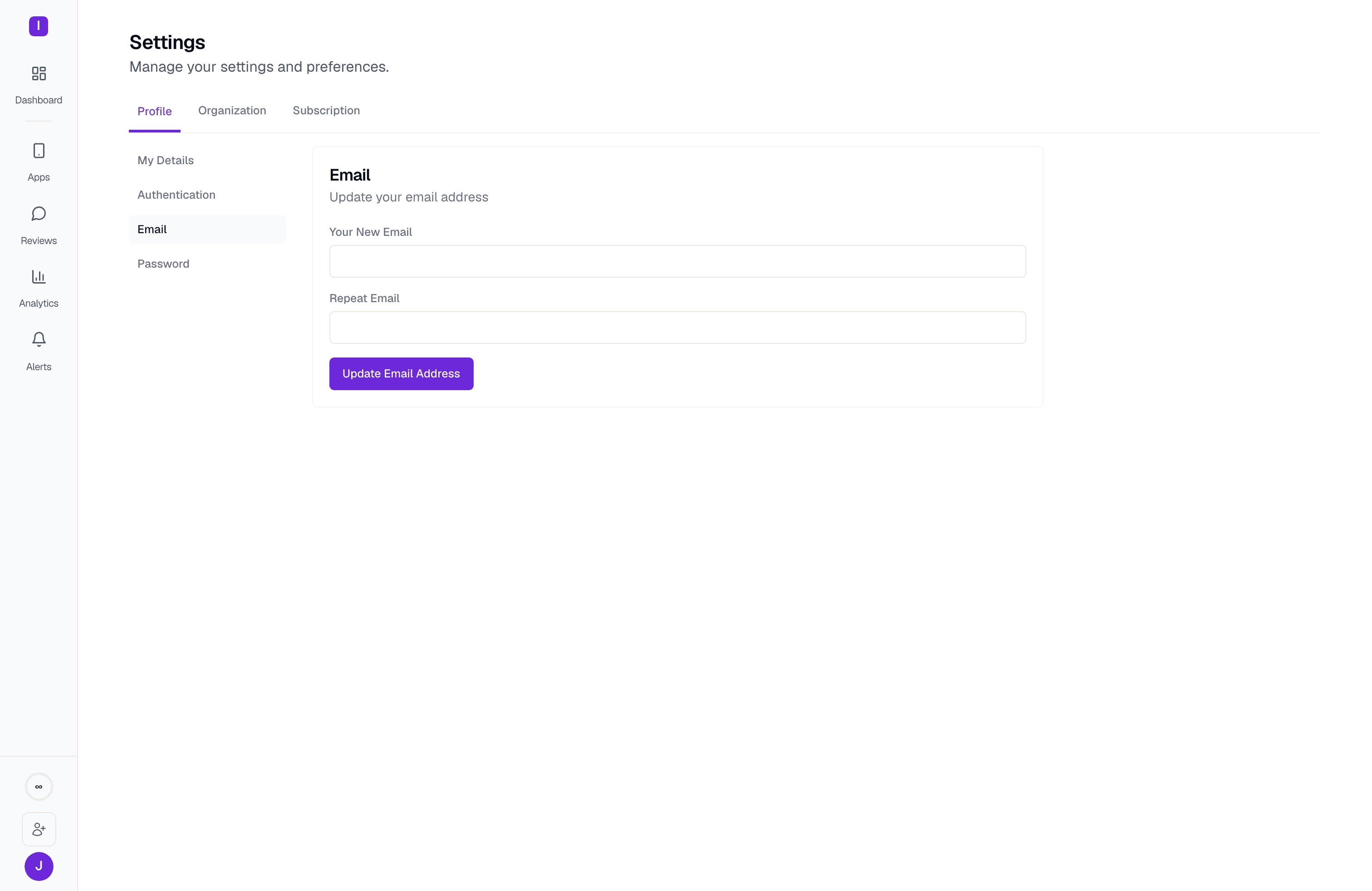
- Email — changes the address you sign in with. You enter it twice, and a confirmation link is sent to the new address before the change takes effect.
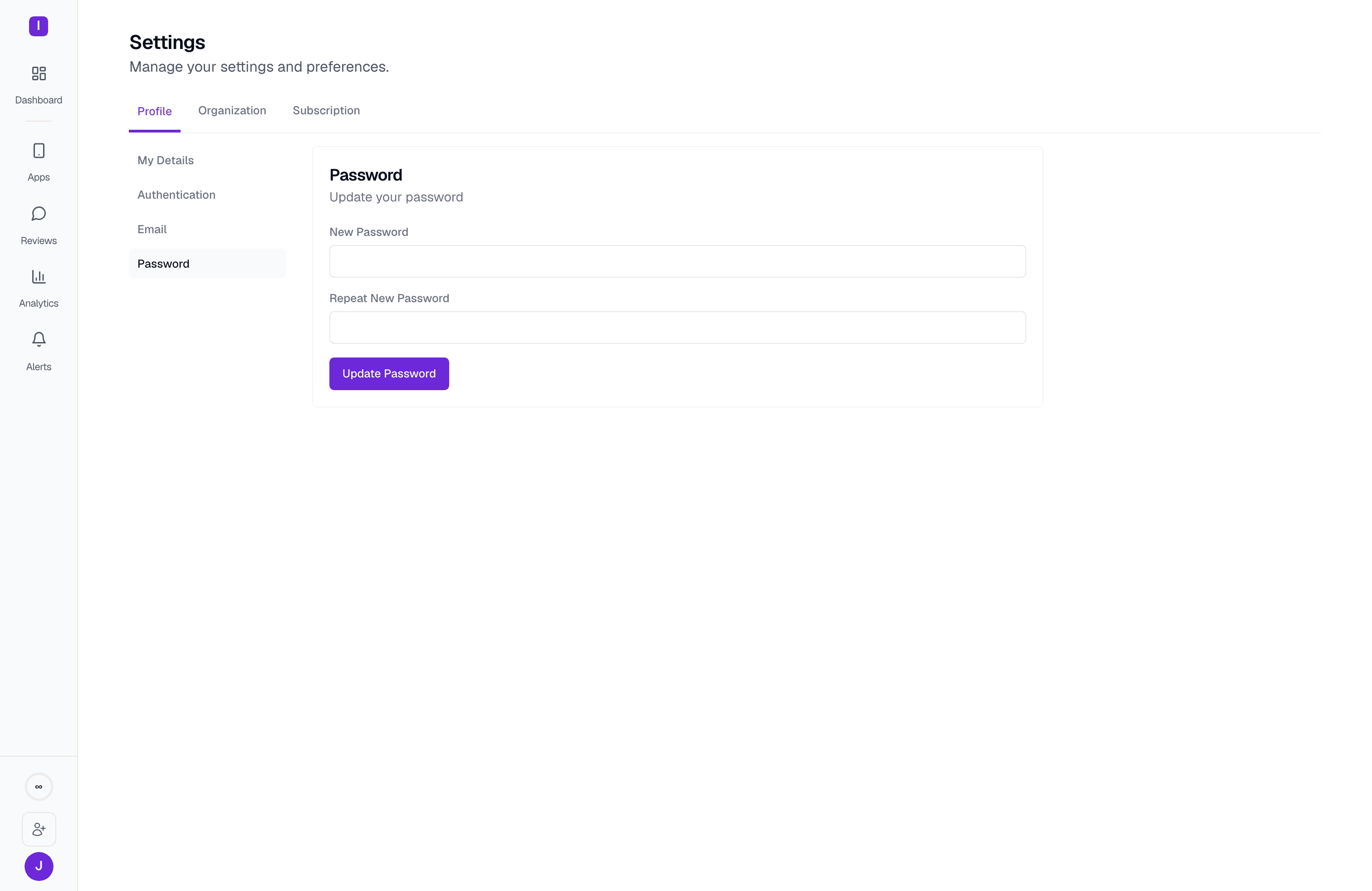
- Password — sets or changes your password. This is also how an account created via Google sign-in or an email code adds a password login for the first time.
Role-based access
Every workspace member has one of three roles — Owner, Account manager, or Customer success — and administrative actions are enforced by role on the server, not just hidden in the UI. A member can only change the role of, or remove, someone with a strictly lower rank than their own; billing access is available to both Owners and Account managers; and only an Owner can delete the organization or transfer ownership. See User roles for the full breakdown.Credential storage for app store integrations
The API credentials and OAuth tokens you connect for Google Play, App Store Connect, Samsung, Huawei, and RuStore — along with secrets like alert-destination webhook URLs — are stored in Supabase Vault rather than in plain database columns. Integration status is checked before AppReply relies on a stored credential. A revoked or expired connection shows on the app’s integration status rather than failing silently.Workspace isolation
Each organization’s reviews, templates, automations, and settings are scoped to that organization at the database level, so members of one workspace have no access to another’s data even if they belong to both.Account and organization deletion
Full account deletion and organization deletion are both available only on deployments that have those features turned on; where they’re off, the Danger Zone panels in Profile and Organization settings don’t offer a delete action. Ask your Owner or check with support if you need either and don’t see the option.User roles
What Owners, Account managers, and Customer success members can each do
Manage members
Invite, remove, and change the role of team members