

How it works
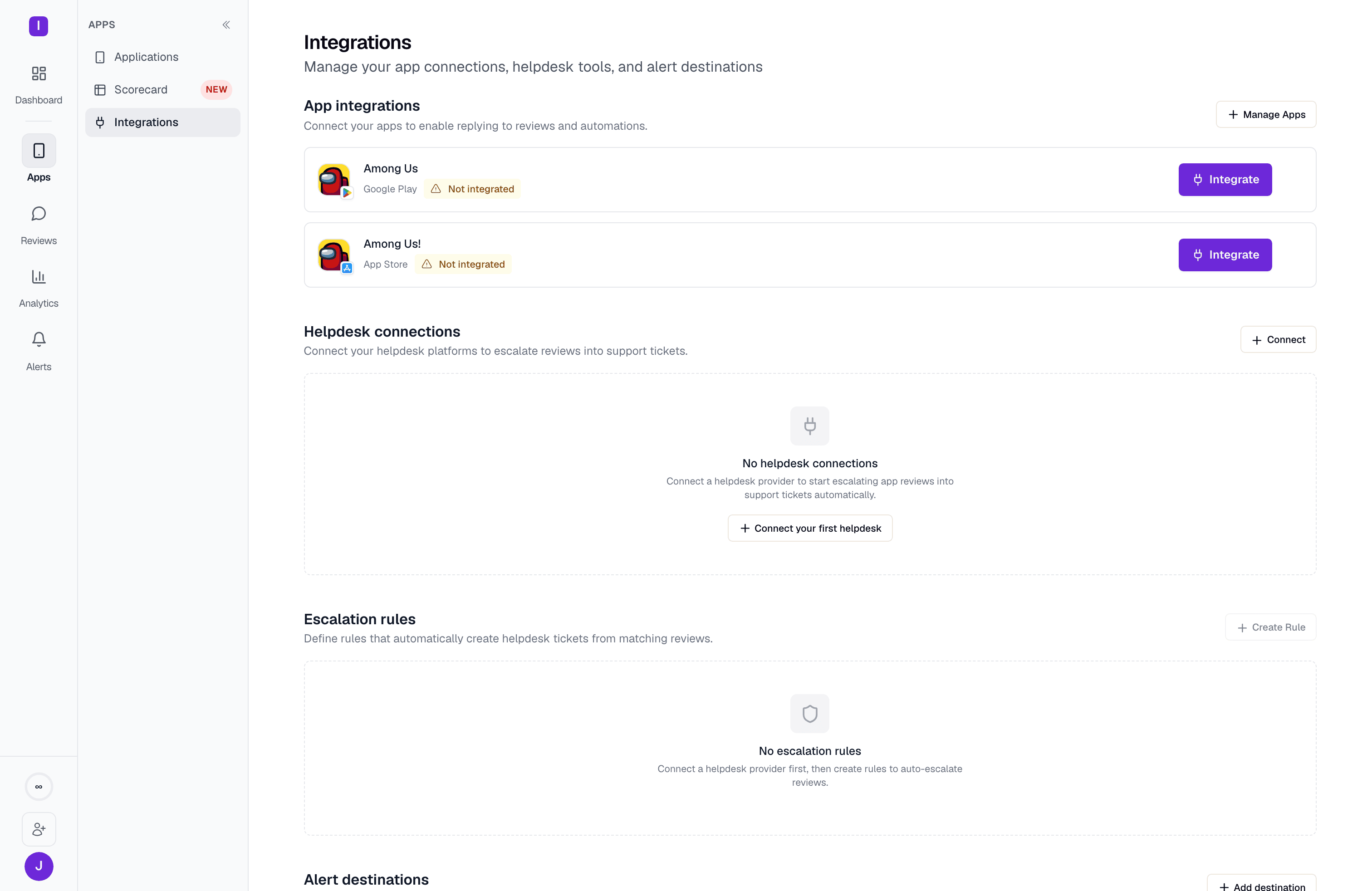
When a review matches an escalation rule (for example, all 1-star reviews mentioning “crash”), AppReply creates a ticket or conversation in your connected helpdesk. The ticket includes the review text, rating, app name, and a link back to the review in AppReply. You set up escalation rules directly on the Integrations page, in the Escalation rules section — you need a helpdesk connected first, since every rule targets a specific connection.Supported providers
Zendesk
Create Zendesk tickets from app reviews. Requires a Zendesk subdomain and OAuth credentials.
Intercom
Create Intercom conversations from app reviews. Requires OAuth credentials and a default requester email.
Connection method
All helpdesk integrations connect through OAuth via Nango, a third-party integration platform. This means your helpdesk credentials are never stored directly in AppReply. Nango handles token management and refresh.Setting up escalation rules
After connecting your helpdesk, go to Escalation rules on the same Integrations page and click Create Rule. Each rule sets:- Which helpdesk connection and, optionally, which single app it applies to
- A rating threshold (and optional additional conditions) that a review has to match
- A ticket subject template — with placeholders like
{rating}and{app_name}— plus a default ticket priority and optional tags - A cooldown, in hours, before the rule can fire again
Connecting a helpdesk itself is available on any plan. Escalation rules require the Pro plan — on lower plans, creating or re-enabling a rule prompts an upgrade.